
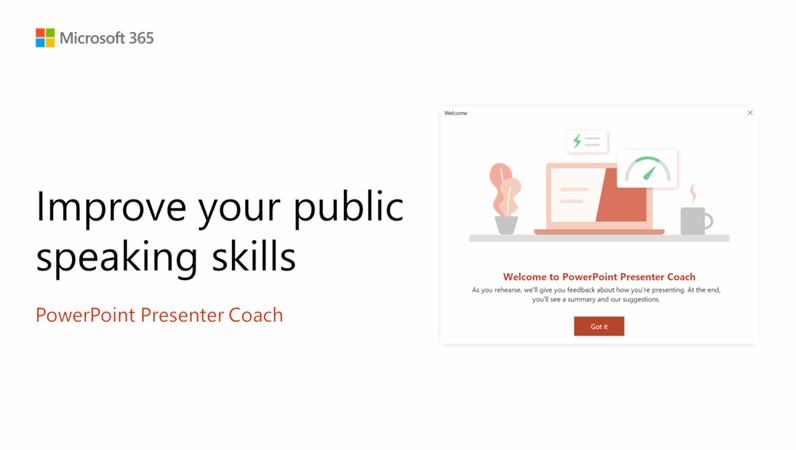
PowerPoint Speaker Coach is a dedicated feature in Microsoft PowerPoint that helps professionals including teachers improve their public speaking skills by providing real-time feedback during presentations. It does this by analyzing your presentation delivery and offering real-time feedback to improve your speaking skills.
During your presentation, it assesses various aspects of public speaking, including pace, pitch, filler words, inclusive language, and speech variety. This feedback helps you adjust your speaking style and make improvements for a more effective presentation.
Majorly, the powerpoint speaker coach is handy for educational presentations, corporate training, and customer support where effective communication is crucial. While delivering your presentation you can customize the tool to focus on specific aspects of your presentation for a more targeted approach to improving speaking skills.
Apart from it, PowerPoint Speaker Coach safety and privacy policies also align with Microsoft’s approach to data security. However, you should be aware that PowerPoint Speaker Coach may process audio data during presentations. Although, Microsoft addresses these concerns by encrypting all the processed data.
Besides this, PowerPoint Speaker Coach’s feedback may not always meet your presentation style or cultural preferences. Additionally, the tool’s reliance on Microsoft PowerPoint could be a drawback if you prefer other presentation softwares.


