
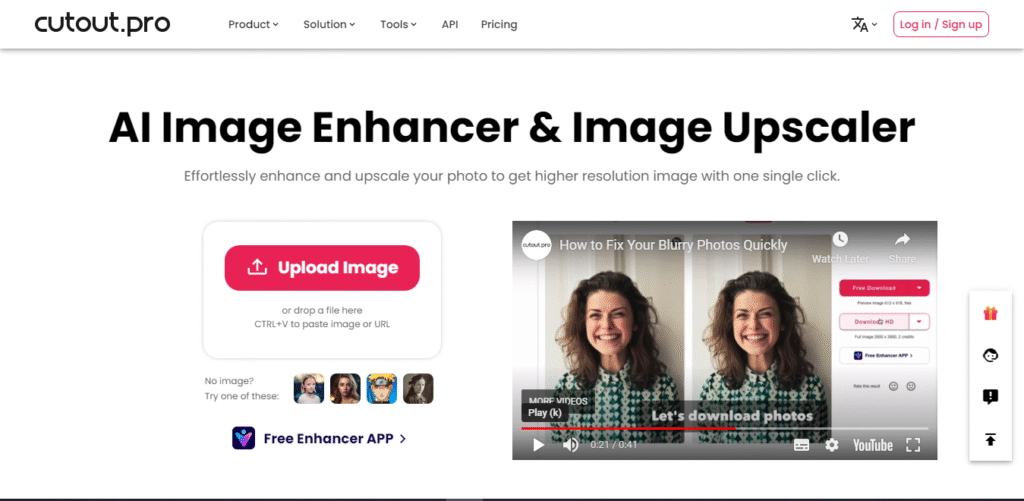
Cutout.pro may not be one of the most popular software but we are lucky we came across it and had the opportunity to test it out.
For starters, it offers a user-friendly web interface that requires no prior technical expertise. The clean and intuitive layout makes it easy for both beginners and experienced users to navigate through the tool effortlessly.
There is a range of enhancement options that allows users to transform their images in various ways. Noise reduction is a feature that effectively reduces the noise and graininess often found in low-light or high-ISO images, while the sharpening feature enhances the image’s sharpness, bringing out intricate details, and making the subject more defined, captivating, cleaner, and more polished.
The color enhancement feature enhances the colors in an image, boosting vibrancy, saturation, and contrast. It adds depth and liveliness to dull or faded photos, making them visually striking. So is the upscaling feature, which employs advanced AI algorithms to upscale low-resolution images and improve their overall quality and sharpness without introducing significant artifacts or distortion.
Cutout.pro’s performance in enhancing images is commendable. The AI algorithms employed by the tool effectively analyze the image content and produce accurate and natural enhancements. However, it is important that you keep in mind that the tool’s performance may vary depending on the complexity of the image and the specific enhancement options chosen.
While the features and functionality of the platform are great and impressive, a few limitations could be improved. For example, we found its background removal feature effective in many cases, but users may still struggle with complex backgrounds or images that contain fine details. If they introduce more customizable options for each enhancement feature, it could provide users with greater control over the final output.


