
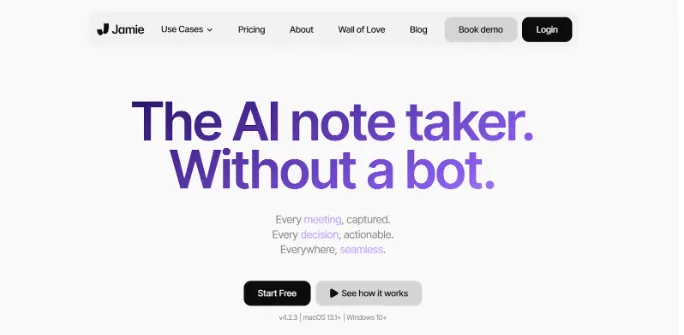
AI note-taking tools handle tasks like reviewing meetings, creating summaries, or managing action items. Jamie does all of this automatically, so you can stay focused on the conversation.
I tested Jamie in both virtual and in-person meetings. The clean interface kept distractions away, with no bots, popups, or glitches interrupting the experience.
Just one click to “start meeting,” and Jamie ran in the background. In under ten minutes post-call, Jamie dropped a polished transcript with key takeaways and action items, all neatly tagged by the speaker.
You’ll also find a built-in assistant. Simply hit Command+J and the AI will help you draft emails, search meeting history, or brainstorm ideas.
On a call with a Spanish-speaking client, Jamie handled both languages without any glitches or wrong understandings. I also added terms like “SDK rollout” to the custom word list, and they came through clearly in the summary. It helped keep the transcription accurate, even when the discussion got more technical.
There’s no real-time transcription or mobile app yet, and you’ll need to manually share notes or copy content into tools like Slack.
While there aren’t any major bugs, the exporting options are limited. Even some users on G2 have reported issues with older conversations or audio sync.
That said, the summaries themselves are reliable, bot-free, and feel especially useful if you value privacy or want a clean, distraction-free way to keep track of meetings.


