
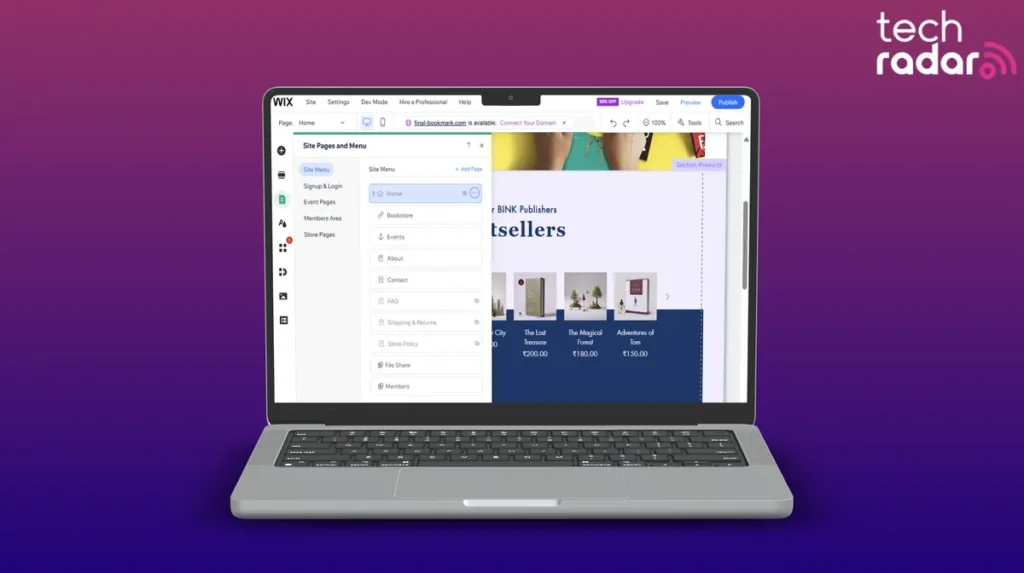
Wix is one of the most established website builders out there, and its AI integrations make the setup process even faster. You just describe the kind of site you want, like business, portfolio, online store, and Wix creates a draft with layout, copy, images, and even a logo if you need it.
While testing, its AI builder took only a few prompts and quickly generated a full website draft, complete with layout, text sections, colors, and a basic logo. The results really came down to how well I described the site’s purpose and style. That means if your prompts are clear, the AI builder delivers something surprisingly useful.
Importantly, the first draft came together pretty quickly, with relevant text sections and smart layout decisions I could immediately tweak. I then used the AI Text Generator to rewrite my homepage bio and dragged in a new image section, which the AI resized automatically. But if you don’t like any of it, you can simply start over with a fresh layout instantly.
Now, even though the initial layout setup took a moment, editing everything after that was simple. I renamed pages, swapped in new images, and adjusted sections without needing any design software.
Outside the editor, Wix covers most of what you’d need to run a website, like payments, bookings, email marketing, SEO tools, and even basics like logo creation and color presets. I like how it’s all built in, so you’re not constantly jumping between different apps just to get set up.


