
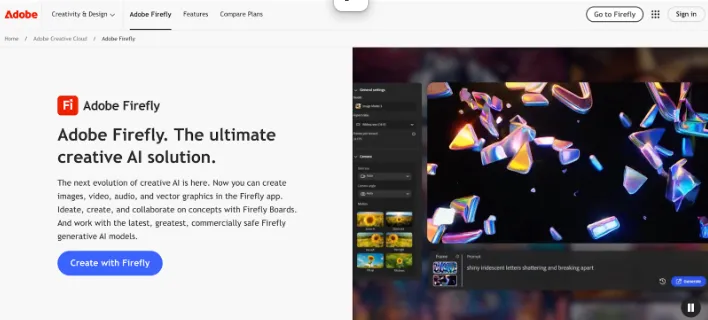
Adobe Firefly isn’t the flashiest image generator but it’s hands-down the most practical for professional creatives. I use it when I need visuals that won’t raise legal eyebrows or when I want a smoother pipeline into tools like Photoshop or Express. Everything you generate is trained on licensed and rights-cleared content, so it’s built from the ground up with commercial usage in mind.
The real magic happens after generation. You can push Firefly outputs straight into Photoshop and tweak layers, masks, or elements without needing to start from scratch. If you’ve ever tried editing a Midjourney image in Photoshop, you’ll know how big of a time-saver this is.
I especially like the Generative Fill tool. You can erase part of a photo and tell Firefly what to replace it with, something like “add clouds here” or “replace this background with an office,” and it fits in perfectly. It’s clean, quick, and feels native to the editing experience.
Where it lags a bit is imagination. Firefly tends to stay within safe, brand-friendly boundaries. Don’t expect surreal lighting or stylized chaos here as it’s built for clean outputs, not experimental art.
Firefly is available for free with limited credits, but to unlock faster rendering and full resolution downloads, you’ll need a Creative Cloud plan, which starts at $19.99/month for individuals.


