
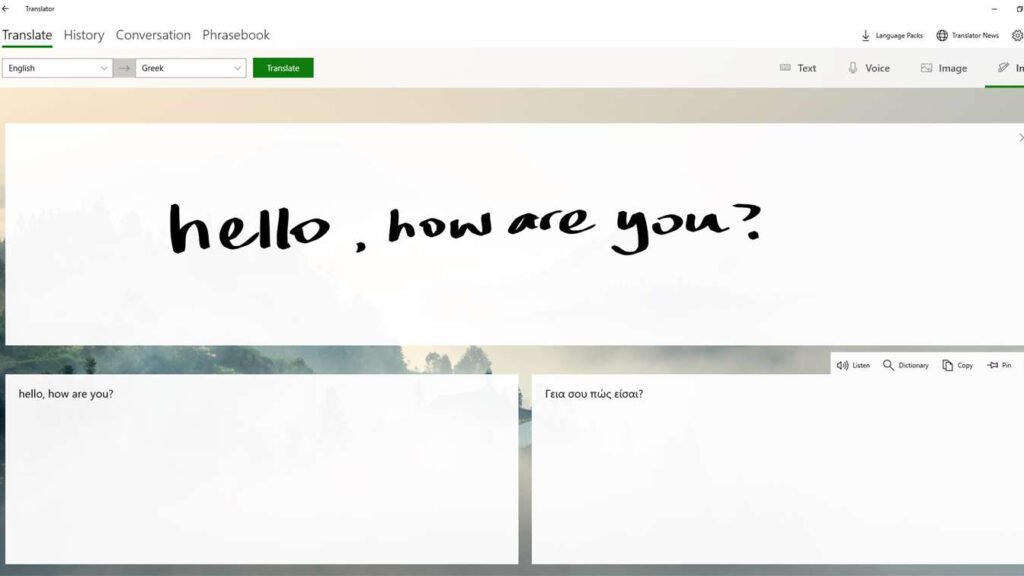
Giving cut-throat competition to Google, Microsoft also has a translation service of its own. The Microsoft Translator provides text, voice, and document translation across multiple languages. In our opinion, you’ll make the most out of this translator if you prefer working on Microsoft’s workspace. We say this because its integration with Microsoft products and its focus on business and enterprise use cases boost your productivity and save you a good amount of time.
Microsoft Translator extends to over 100 languages and offers many translation options. It further provides customizable translations through its Translator API and Speech service, both part of the Azure AI Services suite. This helps businesses to integrate translation capabilities into their applications, call centers, and multilingual conversational agents, all of which help in smooth and efficient communication with global customers.
During our test, we used a feature called “Live Transcribe” that can transcribe speech in real time. This feature is commonly used for remote interpretation services and lets the interpreters provide live translations. Plus, for educational purposes, Microsoft Translator offers inclusivity through live captioning and cross-language understanding which brings a more engaging learning environment for students and parents alike. It also handles domain-specific terms through custom models, which improve its utility in specialized fields.
Overall it features a user-friendly interface, like text-to-speech and speech translation features. With all this, you can translate text instantly or in batches, and it even supports a wide range of formats, from simple text to complex documents. Plus, its integration with other Microsoft products, such as Outlook and Word further improves its accessibility and convenience for everyday use.


